Status by scenario

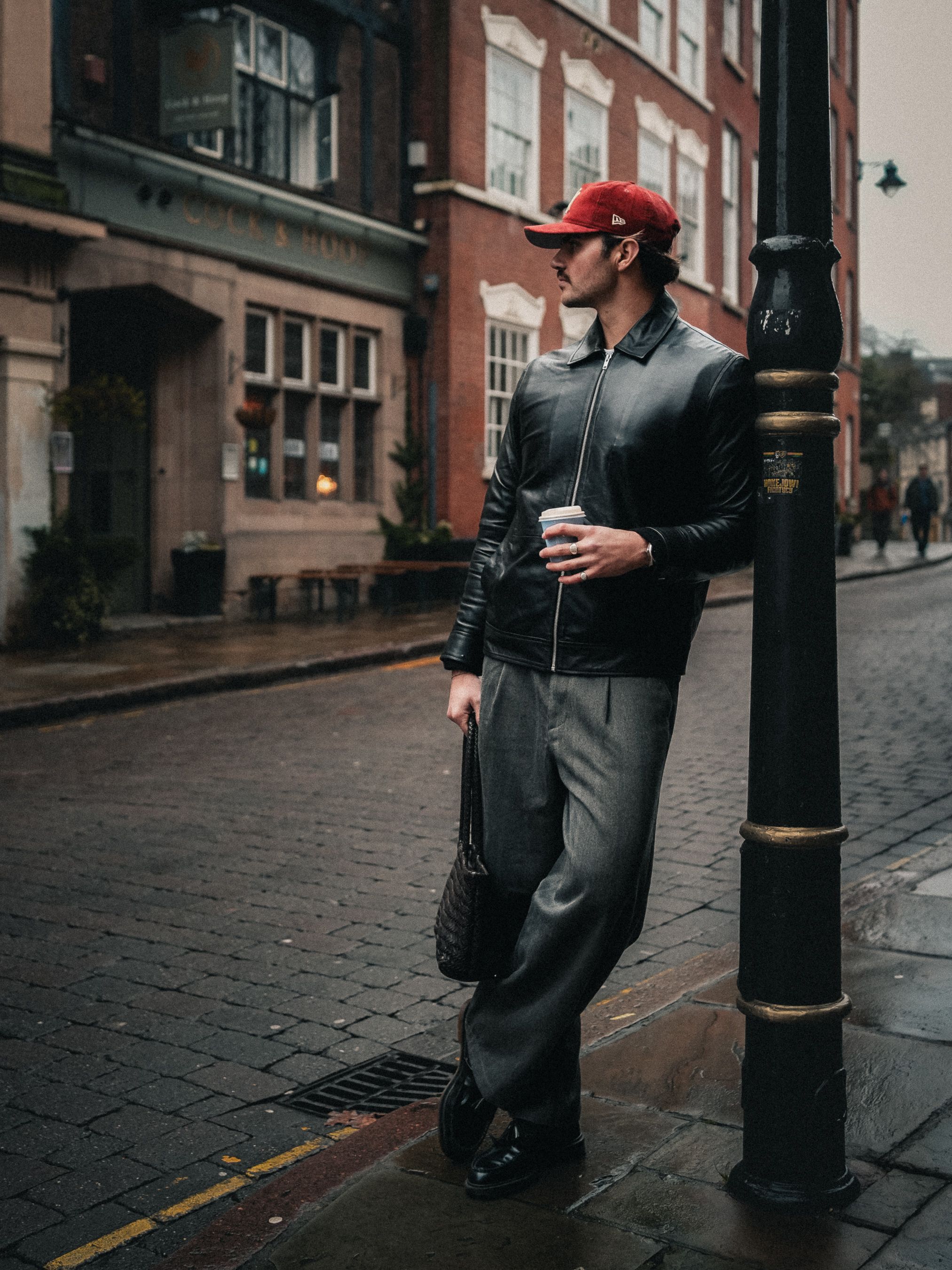
Virtual Try-On

Try different outfits without reshooting the entire campaign.

Virtual Try-On
photo

Category

AI Tools

try-onfashioncommerce
๐Ÿ’ณ base cost
12 pack minimum credits
๐Ÿ–ผ๏ธ starting default
1 photo per click, 9:16 vertical format
๐ŸŽฌ video
Photo only for now
๐Ÿง  best use
aspirational content, positioning, and reusable stills
๐Ÿ” spending only in studio
Opening this page does not spend credits. Consumption only happens when you confirm generation inside the studio.

Pack workflow

base scene prompt

precise garment swap while preserving pose and face

Inside the studio you can add extra direction. The system combines this preset with your saved selfies, an optional still, and body notes.

try-onfashioncommerce
what goes into the real request
  • 1. Pack base prompt
  • 2. Extra scene direction written by you in the studio
  • 3. Selfies saved in your profile as reference images
  • 4. Height, weight, and body notes when provided
  • 5. Model, resolution, format, and quantity selected in the studio
  1. 1train identity from approved selfies
  2. 2pick the pack, scene, and direction intensity
  3. 3generate photos, approve the base still, and turn it into a short video

Default models and cost

Fast draft
fal-ai/flux/schnell
Studio default: 1 photo at 1K, 9:16 vertical.
12 credits per click with these settings
Real likeness
fal-ai/nano-banana-2/edit
Studio default: 1 photo at 1K, 9:16 vertical.
20 credits per click with these settings
Premium realism
fal-ai/nano-banana-2/edit
Studio default: 1 photo at 2K, 9:16 vertical.
42 credits per click with these settings
GPT Image 2
openai/gpt-image-2/edit
Studio default: 1 photo at 1K, 9:16 vertical.
75 credits per click with these settings

Related packs

More scenes in the same family